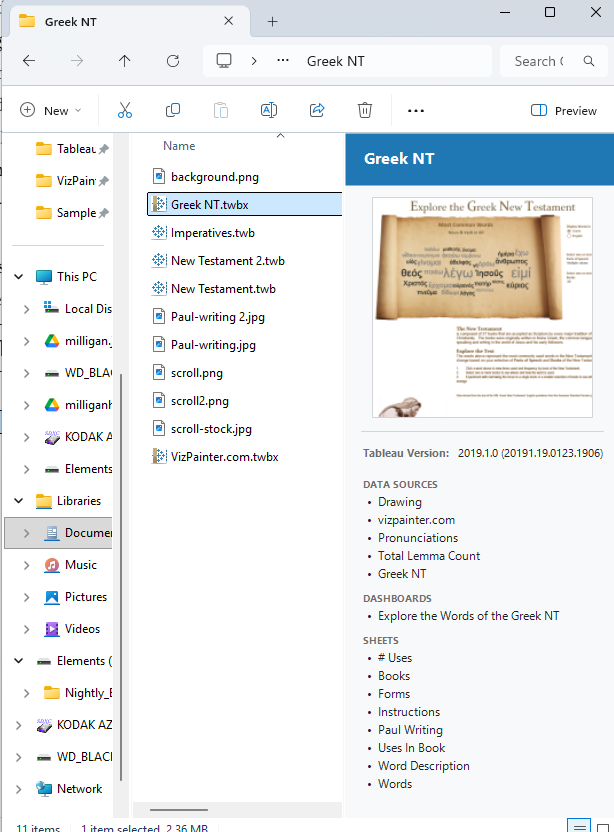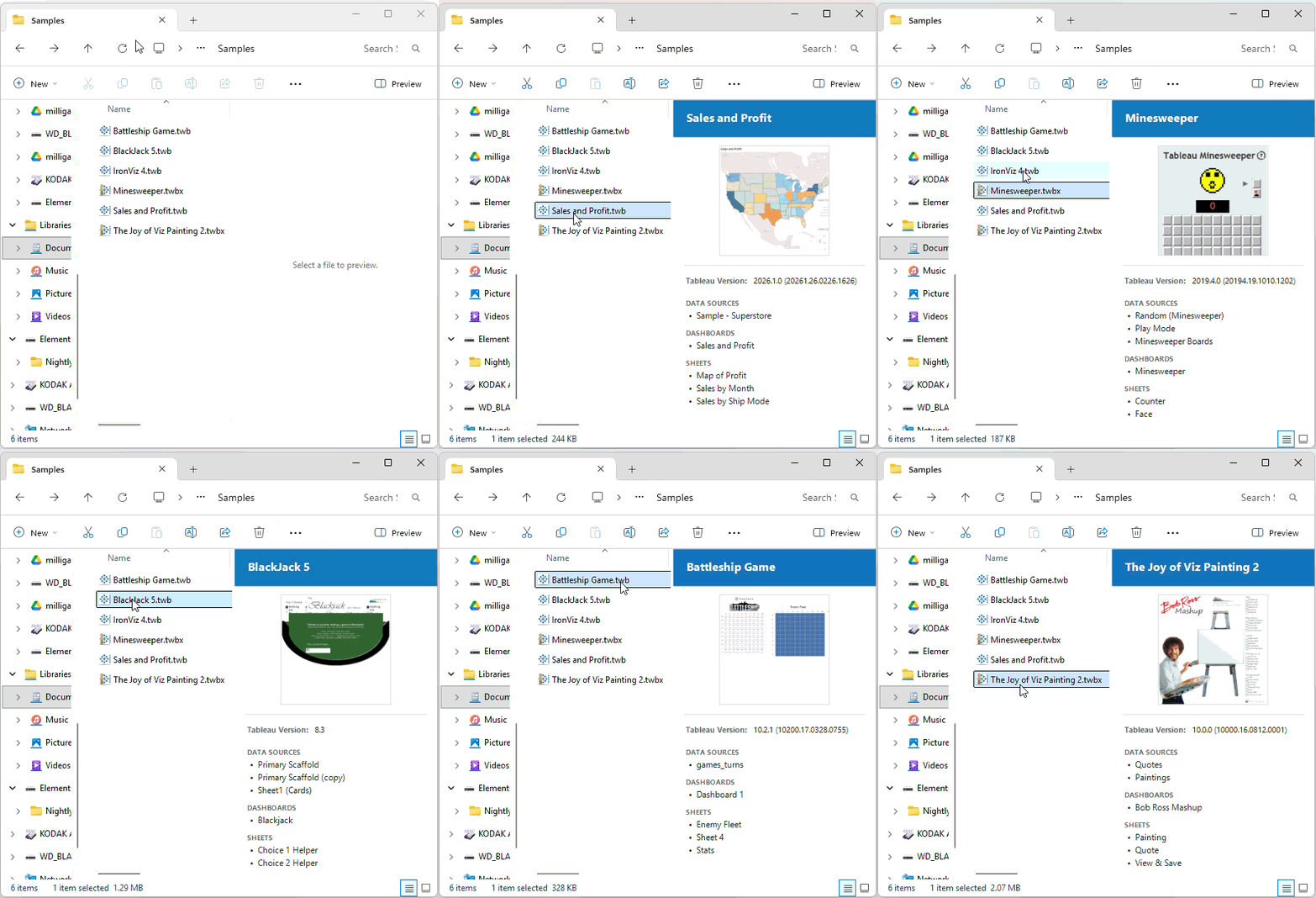
I’ve always wanted to be able to see a preview of the Tableau Workbook (.twb) and Tableau Packaged Workbook (.twbx) files in the Windows Preview Pane — just like you can with .txt files, or .pdf, or .xml files, or .gif files (though it still won’t tell you how to pronounce it). But click on a .twb or .twbx file and you get a terse message, “No preview available.”
Until now!
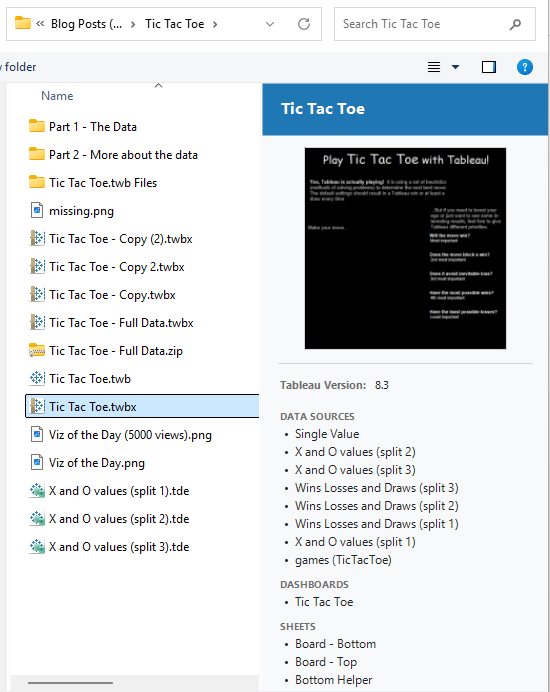
I have hundreds and hundreds of Tableau workbook files on my hard drive spanning a decade and a half of working with Tableau. Often when I’m looking through older files, I have a hard time remembering exactly which workbook was which. What was Trilobytes.twbx or Klingons.twb? Should I open Final Dashboard 3.twb or Final Dashboard 2a (this is the real one).twbx? I realize, I could open each file and wait for Tableau to render the dashboard. “Oh, wait, that’s not it. I should have opened Final Dashboard Release.twbx!”
I’ve long since known that if you look toward the end of the XML of a Tableau workbook, you’ll find that it often includes a section of thumbnail images:
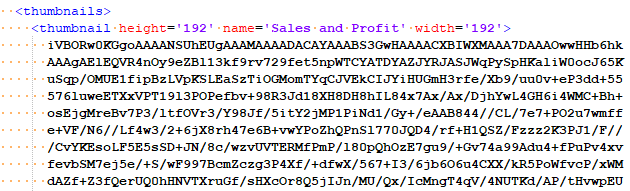
And I’d long thought that it would be a fairly easy thing to extract the thumbnail image from a file and show it as a preview in the Windows preview pane. I come from an app-dev background, so I even knew some of the theory — you create a preview handler and then register it with Windows as the application which handles the preview for a given file type. But I never had the time to get around to it.
Then AI came along… and writing code became as easy as writing a prompt (well, that’s a big lie, but in this case, it was kind of true). Claude Code took my prompt, asked some clarifying questions, and suggested that in addition to the thumbnail image, the preview of Tableau workbook files in the Windows preview pane could also include the Tableau version, data sources, stories, dashboards, and views in the workbook — all of which are incredibly helpful. It generated code that worked and with a little manual tweaking gave the results I wanted. The hardest part was creating the install file (which Claude actually got mostly right, but there was a mismatch in settings between 32-bit and 64-bit that took me forever to figure out).
I’ll share the end result, which — at your own risk — you can download, unzip, install and enjoy previewing Tableau workbooks in the Windows Preview pane: Download Here